


Blender 5.0: Everything New in the Biggest Update Since 2.8


Table of contents
Blender 5.0 isn’t just an upgrade—it’s a generational leap.
This release brings next-level performance, a new real-time viewport, massive geometry improvements, an upgraded Cycles, and the long-awaited animation system overhaul.
If you're a 3D artist, animator, VFX creator, or game developer, Blender 5.0 is the update you’ve been waiting for.
🌟 Quick Summary
New Vulkan Viewport with ~40% faster real-time performance
Cycles X+ with new light paths, denoising improvements & GPU acceleration
Geometry Nodes 3.0 with simulation layers
Grease Pencil 3 rewritten on a node-based foundation
Animation 2025 improvements now fully integrated
Major asset browser, render pipeline, and performance boosts
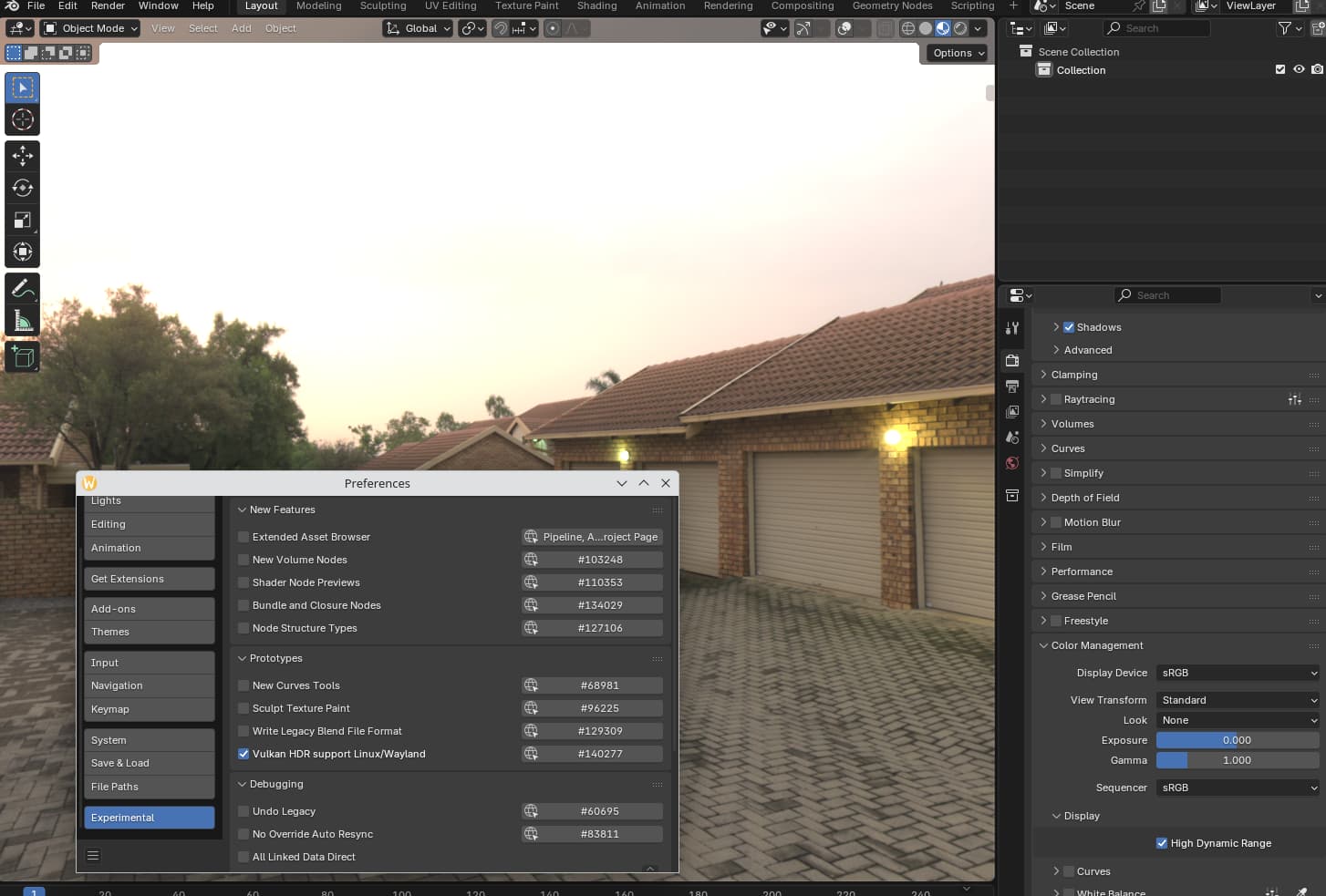
1. The New Vulkan Viewport — A Real-Time Revolution
Blender 5.0 finally replaces OpenGL with Vulkan, delivering:
Up to 40–60% faster viewport refresh
Better material preview accuracy
Complex scenes run smoother due to smarter batching
More stable playback for animations & simulations
Why this matters:
Modern GPUs are optimized for Vulkan, not OpenGL. Blender 5.0 brings the software into the same performance league as Unreal, Unity, and modern engines.

2. Cycles X+ — Smarter, Cleaner, Faster Rendering
Cycles in Blender 5.0 gets its biggest boost since Cycles X.
What’s improved:
New path guiding system
Scenes with complex indirect lighting now render up to 2× faster.Better hardware acceleration
Apple Silicon, NVIDIA RTX, and AMD GPUs all get new optimizations.AI-powered denoise pipeline
Intel OIDN 2.0 integrated directly with improved temporal stability.New Light Tree algorithm
Faster and more accurate sampling for scenes with thousands of lights.
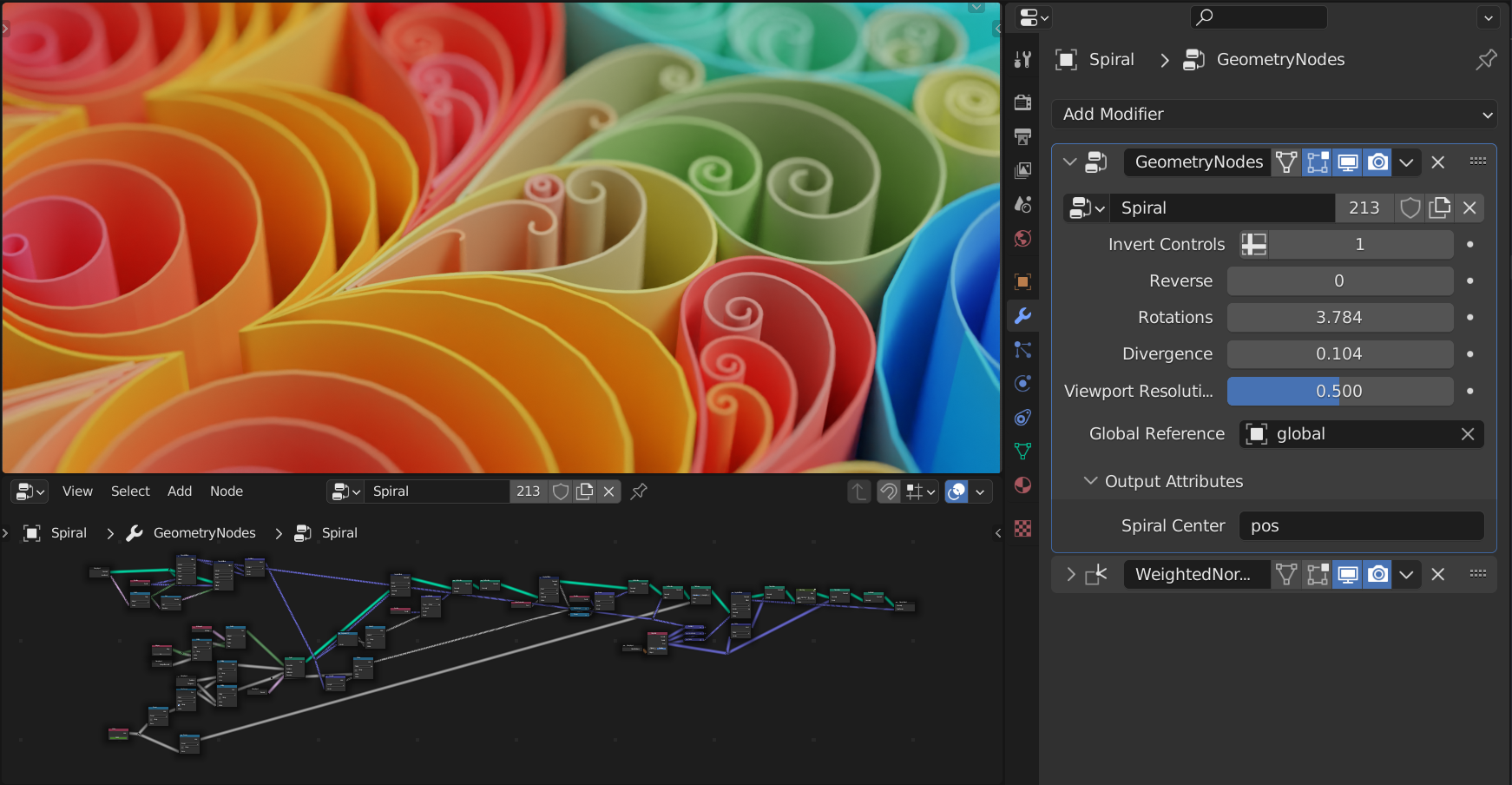
3. Geometry Nodes 3.0 — The Foundation of Everything
Blender continues its shift toward a Fully Node-based Future, and Geometry Nodes 3.0 is proof.
New in Blender 5.0:
✔ Simulation Layers
Run cloth + particles + rigid bodies inside nodes.
No modifier clutter. No hacky setups.
✔ Procedural Texture Nodes
New 3D noise systems, vector warping, and tileable patterns.
✔ Viewport-integrated Simulation Baking
No more switching panels or dealing with clunky caches.
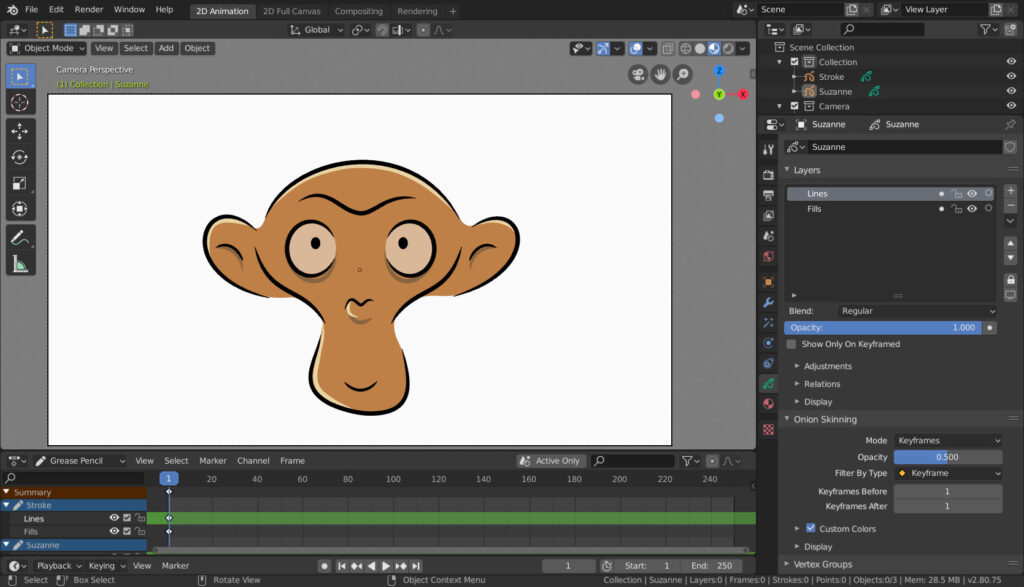
4. Grease Pencil 3 — Rewritten from the Ground Up
Grease Pencil has finally evolved into its most powerful form.
What’s new:
Fully node-based architecture
True 3D-aware strokes
Faster playback for 2D animation
New brush engine with stabilizers
Real-time layer effects (glow, gradient, texture)
Why creators are excited:
Grease Pencil 3 turns Blender 5.0 into the best open-source 2D/3D hybrid animation tool available right now.

5. Animation System Overhaul — The 2025 Preview Is Now Core
Blender’s long-awaited animation rewrite is finally production-ready.
Major changes:
✔ New Animation Curves Engine
Much smoother playback, even with large rigs.
✔ Real-Time IK & FK Performance Boosts
Up to 2× faster character rig playback.
✔ Modernized Graph Editor + Dope Sheet
Clean UI, better manipulators, and improved readability.
✔ Motion Paths 2.0
More accurate & GPU-rendered.
If you animate characters, 5.0 is the biggest quality-of-life upgrade in years.
6. Eevee Next — A More Realistic Real-Time Engine
Eevee Next becomes more like a lightweight path tracer:
Improved global illumination approximation
Better volumetrics
New screen-space reflections
Soft-shadow improvements
More consistent PBR output
Great for game artists, previz, and stylized renders.
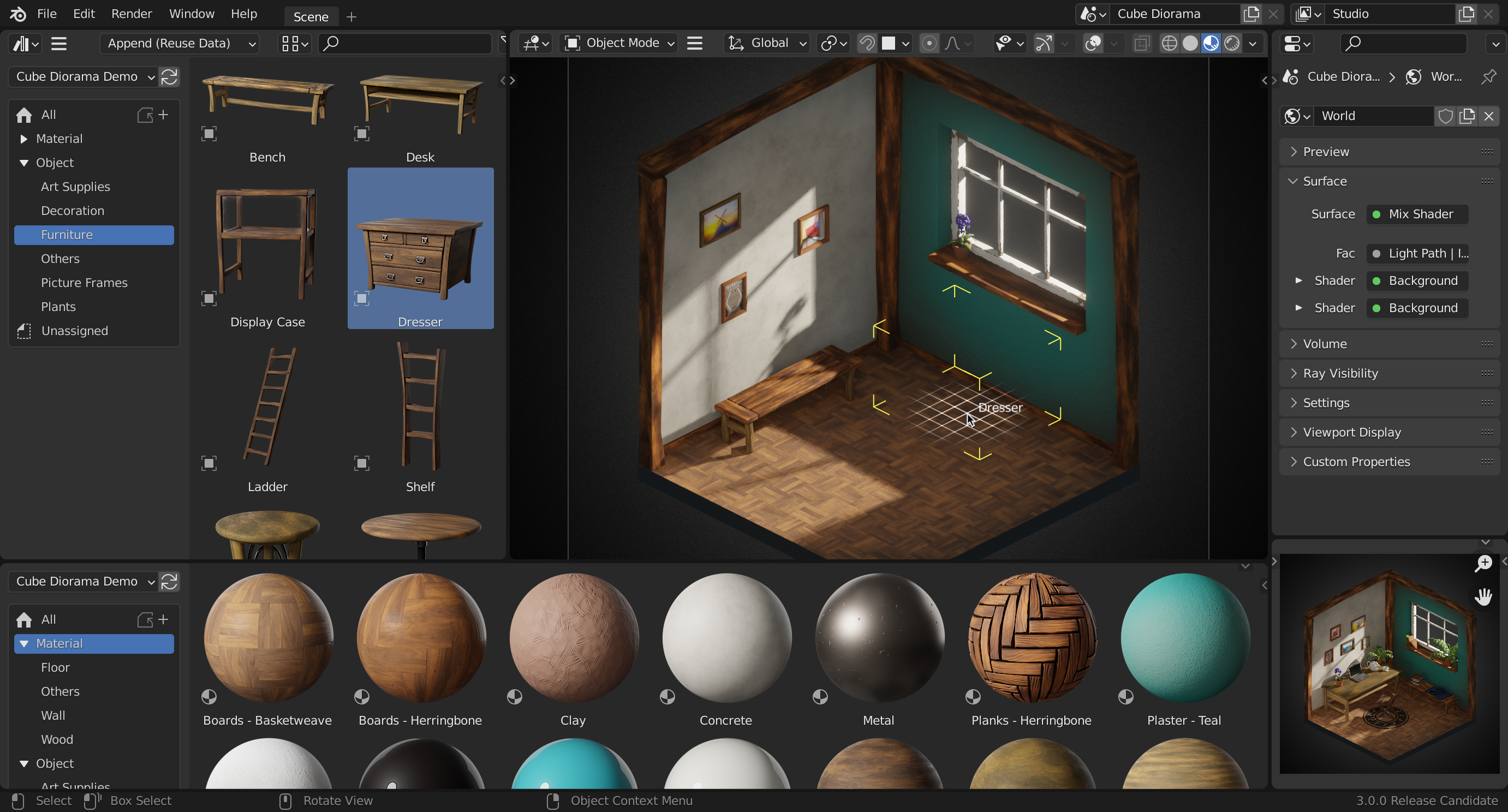
7. Assets, Workflow & UI Improvements
Blender 5.0 brings a polish pass across the entire experience.
Asset Browser 2.0
Better tagging, filtering, and metadata
Drag-and-drop support for complex node groups
Live material previews
New Context Tools
Smart gizmos
Improved snapping
Non-destructive transform history
Viewport Layering
Similar to Photoshop layers — great for complex scenes.
8. Performance Gains Across the Board
✔ File loading: 20–30% faster
✔ Viewport sculpting: much smoother
✔ Memory usage: reduced for high-poly scenes
Blender 5.0 feels lighter than any previous version.
🎥https://www.youtube.com/watch?v=4wEqD-jK0DU
9. Should You Upgrade? (Short Answer: Yes)
Blender 5.0 is stable, significantly faster, and feature-packed.
If you work in:
Animation
VFX
Game asset creation
2D/3D hybrid animation
Procedural workflows
—this update is a no-brainer.
10. Final Verdict: Blender 5.0 Sets a New Standard
Blender 5.0 doesn’t just catch up with industry tools—it surpasses many of them.
This update modernizes Blender’s internals (Vulkan, animation engine, node systems) and sets the foundation for the next decade of open-source 3D creation.